Object Detection
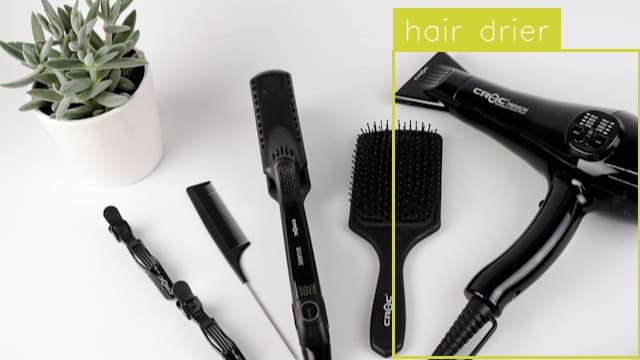
Hair Drier Detection
Locate, label and count hair driers in an image.

Locate, label and count objects in an image using instance segmentation and the Glow Effect Visualization.
Use This Free TemplateTry Preview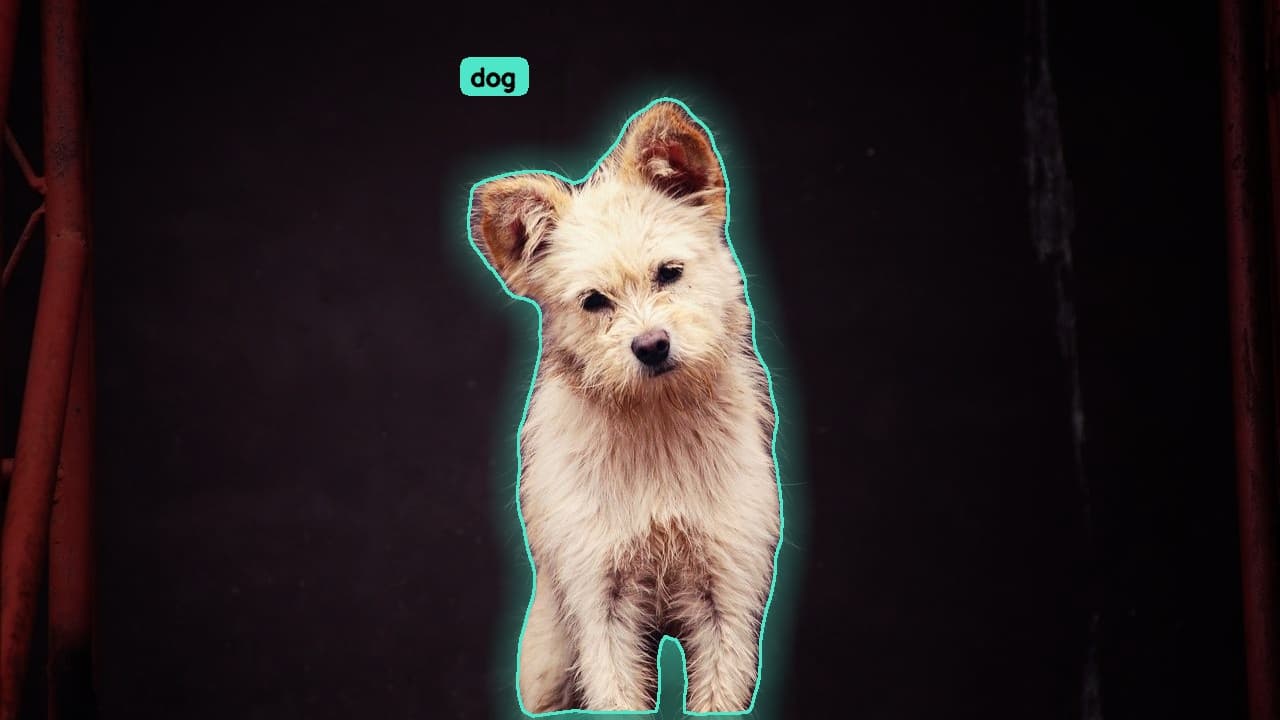
Wrap every detected object in a luminous glow while instance segmentation locates, labels, and counts each item in your image with pixel-level precision.
Try it now:
Quality control teams on manufacturing lines rely on this template to isolate individual components on a crowded conveyor belt, letting the glowing outlines make defects and misplaced parts instantly obvious to human reviewers. Retail analysts use it to count products on shelves and verify stocking accuracy, while medical imaging researchers segment overlapping cells and mark each one with a distinct radiant boundary for easier analysis. Anywhere you need to separate closely packed objects from a busy background and communicate results visually, the glow effect turns a technical segmentation mask into something a client, stakeholder, or annotator can understand at a glance.
Hours of manual outlining and object counting collapse into seconds, and the glow visualization does double duty by serving as both an inspection tool and a presentation-ready graphic. Each segmented instance receives its own highlighted contour, so overlapping items no longer blur together into an unreadable heap. You gain clean, per-object labels and counts you can pipe into reports or downstream automation, plus a striking visual layer that makes the difference between raw data and results people actually trust. The template scales from a single photo to thousands of frames without losing the crisp separation that makes each detection easy to verify.